Enhance Speech 48kHz
Enhance Speech Without Harshness or Listener Fatigue
Restore crisp consonants and balanced low-mid warmth on muffled smartphone, webcam, and lapel recordings so viewers stay engaged through every minute.



Use our free online video audio enhancer with no sign-up to enhance speech, repair muffled webcam mics, and balance MP4 or MOV dialogue to 48kHz broadcast quality without re-encoding video.
Free tier: up to 3 min/file · Paid up to 30 min / 500 MB · Zero Upstream Storage · 60-Day Library
Drop a video file to clean, or audition a sample
MP4, MOV, WebM, MKV, M4V · up to 500 MB (30 min) · free 1-min trial
Enhance Speech in Street Market Vlog
Street Market · Crowd Chatter & Wind Cleaned
Don't have a noisy clip handy? Click any real video scenario below to audition instant cleanup:
48kHz Video A/B PreviewInteractive Speech Enhancement Lab
Audition how our AI video audio enhancer lets you enhance speech, perform video audio repair, and enhance audio in video across eight common recording bottlenecks.
48kHz Video Audio A/B
Click either Before or After card on the right to hear how our video audio cleaner drops the noise floor while keeping speech natural.
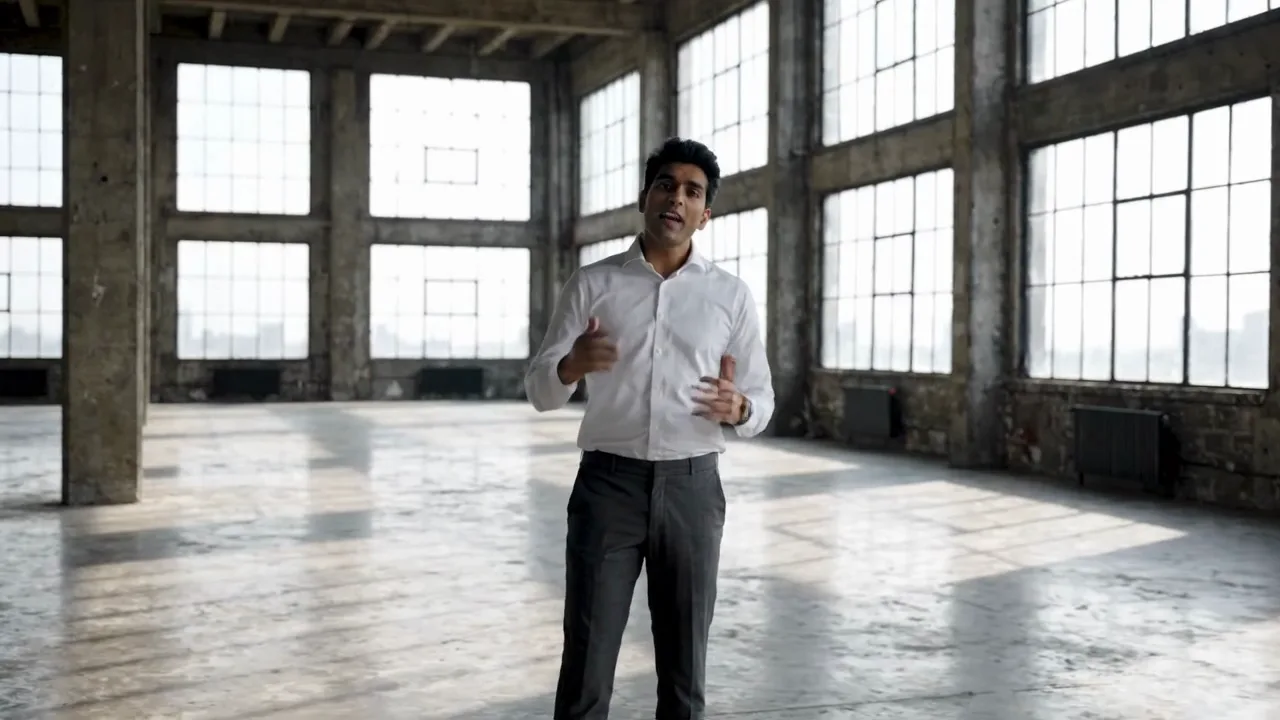
Tighten hollow room reflections and restore intimate vocal warmth in talking-head videos filmed inside bare offices, classrooms, or living rooms.
Strip preamp hiss while adding balanced low-mid body and crisp vocal articulation so inexpensive camera mics sound like dedicated studio condensers.
Smooth out quiet and loud spoken passages to BS.1770 broadcast loudness while stripping laptop fan hum from screen-captured courses and YouTube reviews.
Lift soft-spoken interviewees cleanly above busy coffee shop noise and event chatter without introducing harsh pumping or clipped syllables.
Remove gusty rumble and street traffic while restoring crisp consonant intelligibility so outdoor narration sounds effortless on mobile speakers.
Clean electrical buzz and muddy bass resonance simultaneously so interviews and podcast cameras sound tight, clean, and balanced.
Suppress sharp keyboard clicks and desk bumps while brightening flat headset microphones for executive demos and customer training videos.
Separate and enhance human speech trapped underneath store playlists or event speakers while copying your original video stream losslessly.
AI Video Audio Enhancer
Our browser video audio enhancer combines 48kHz AI speech restoration, natural vocal EQ, and BS.1770 loudness leveling while copying your original video stream without re-encoding.
Restore crisp consonants and balanced low-mid warmth on muffled smartphone, webcam, and lapel recordings so viewers stay engaged through every minute.
Instead of chaining four separate DAW plugins, our AI cleans room echo, preamp hiss, and background hum in a single pass directly inside your browser.
Every enhanced video maintains pixel-identical 1080p or 4K picture sharpness while exporting evenly leveled speech ready for YouTube, TikTok, and course platforms.
Real Creator Recording Setups
Expand any setup below to hear how our video audio enhancer transforms raw camera and laptop audio into broadcast-ready speech.
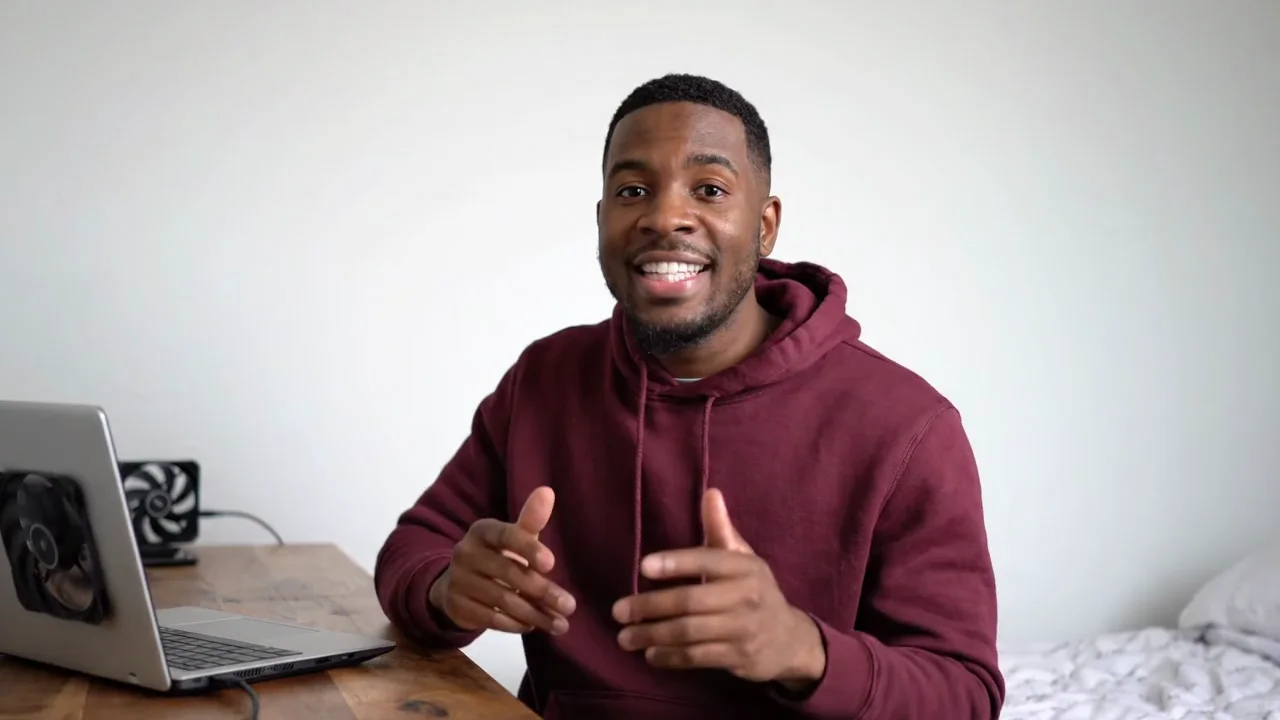
Enhance audio in video recorded on USB or webcam mics with balanced studio warmth and clean pauses.
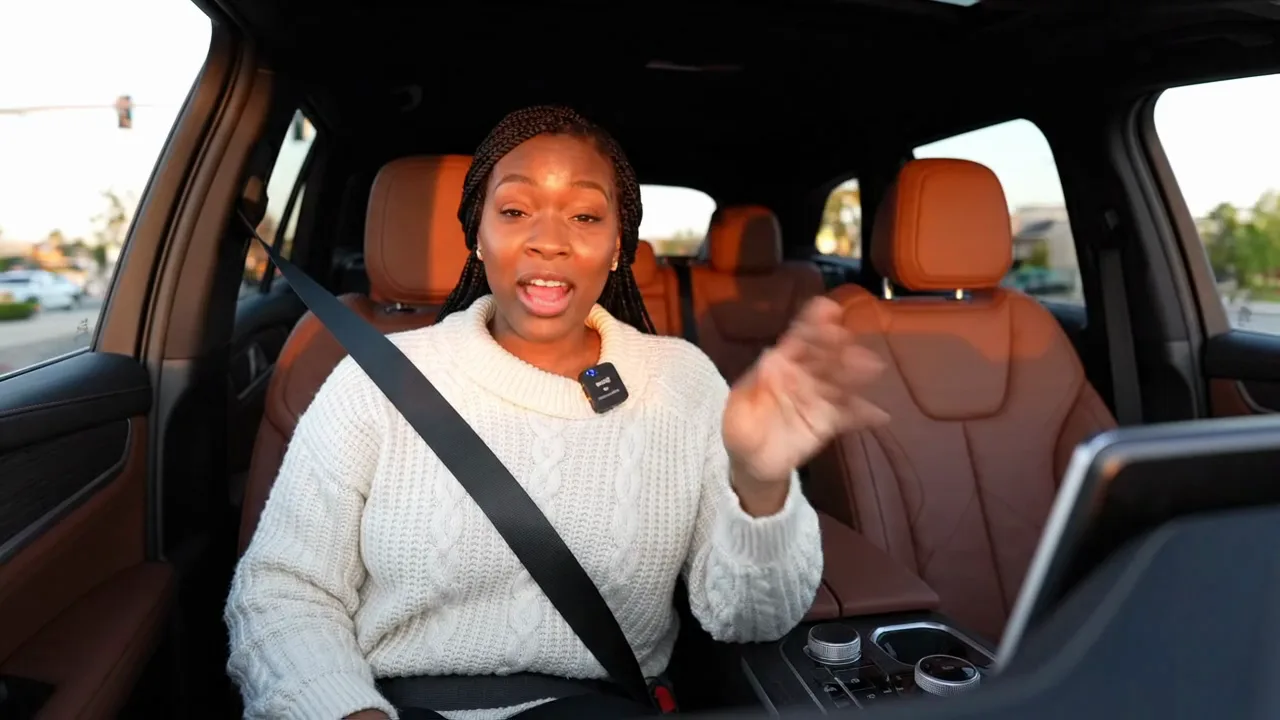
Perform instant video audio repair on thin or hissy camera microphones for crisp 48kHz dialogue.
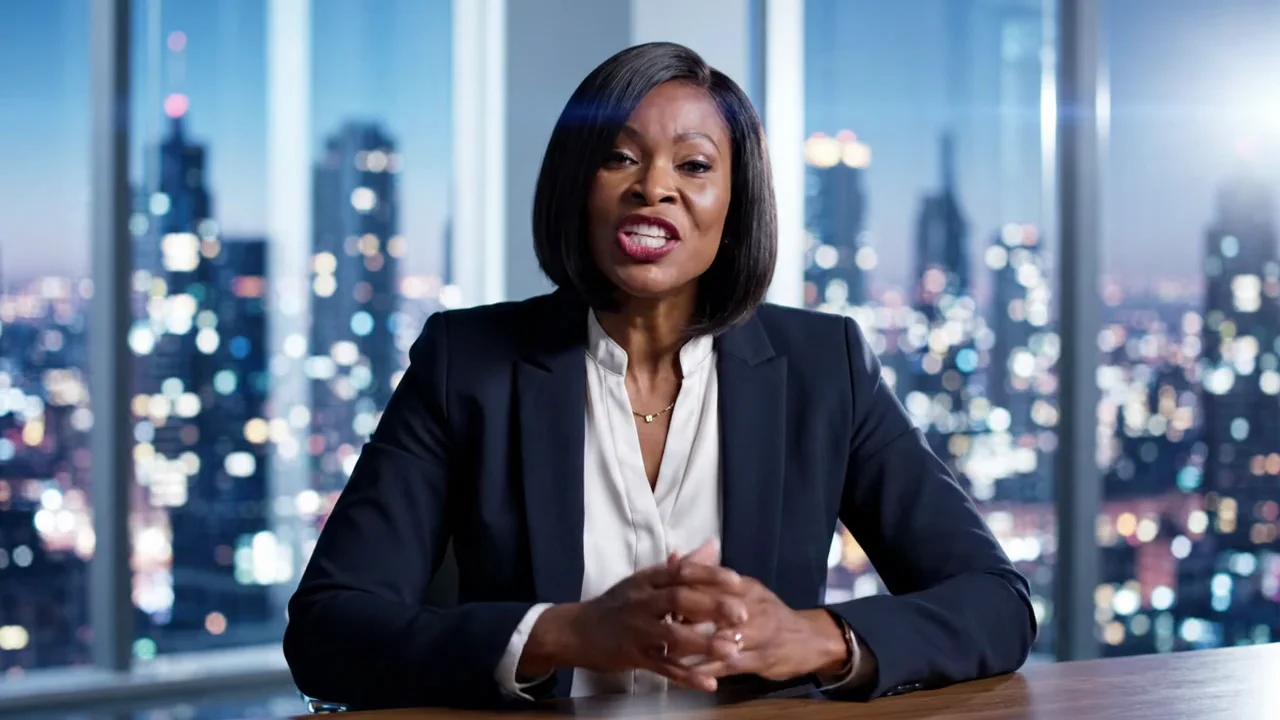
Lift natural human speech cleanly above background noise in untreated offices and cafes.
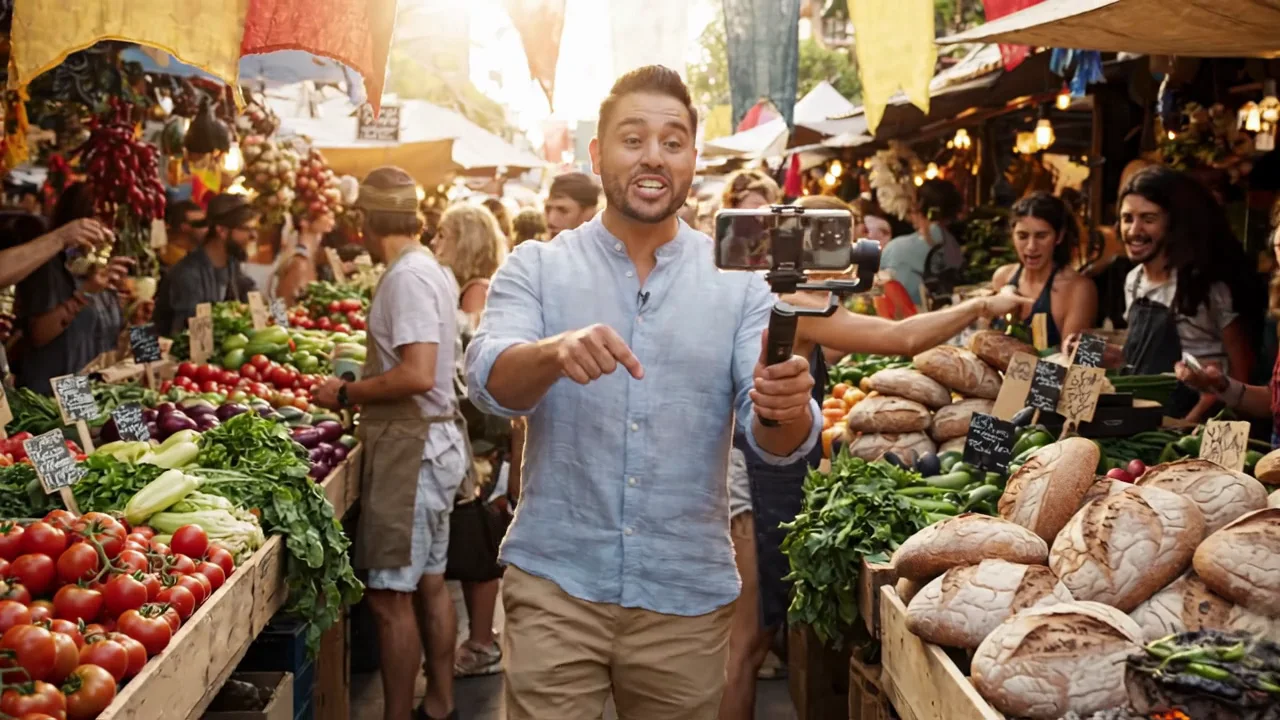
Enhance speech intelligibility on outdoor clips while stripping wind rumble and street noise.
Enhancer Features
Designed for fast speech enhancement and video audio repair — direct browser upload up to 500 MB, exact-timestamp A/B comparison, and lossless MP4 export.
Verify vocal warmth and loudness before you export. Scrub to any quiet sentence and toggle Raw vs. AI Cleaned at the exact timestamp to confirm natural studio clarity.
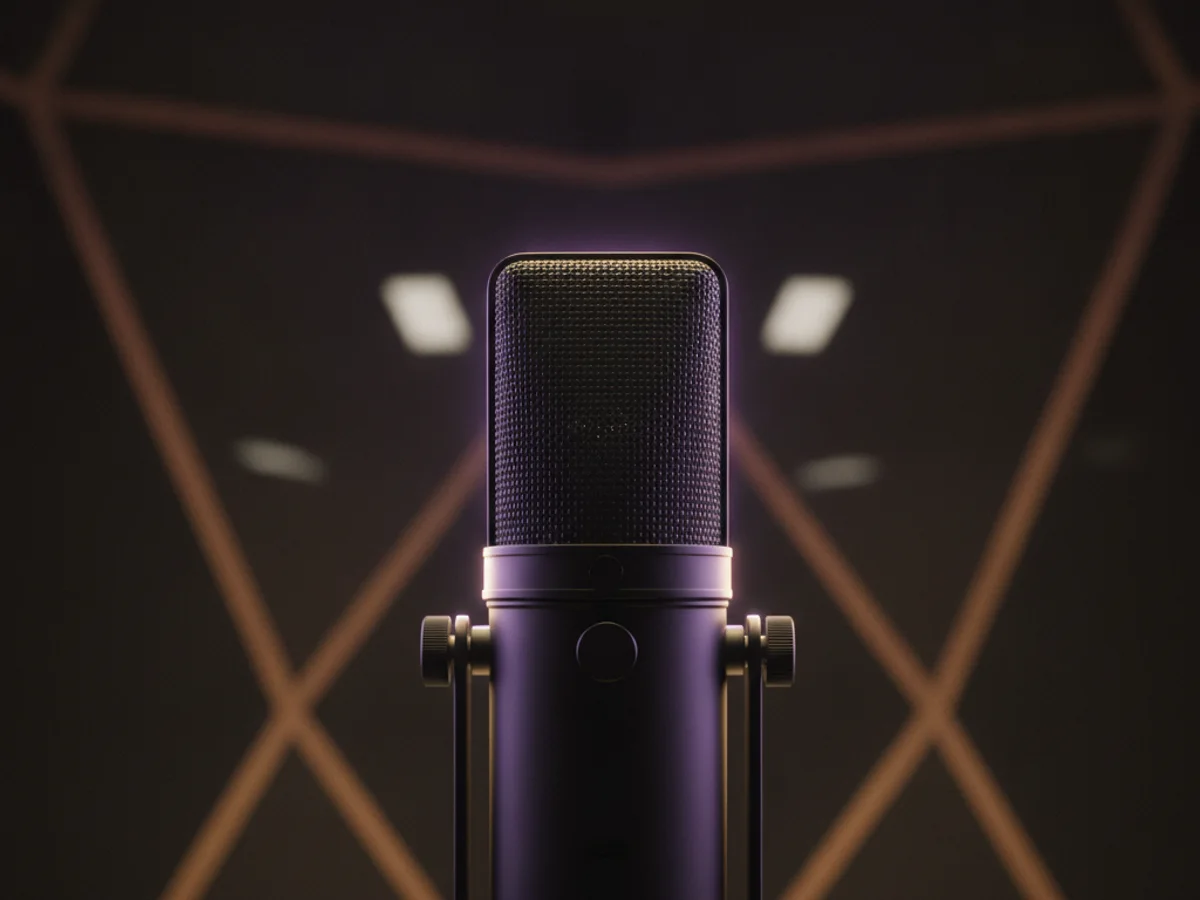
Upload MP4, MOV, WebM, MKV, or M4V from Mac, Windows, or iPhone Safari with zero software installs. Every enhanced MP4 imports cleanly into Premiere Pro, DaVinci Resolve, and CapCut.

When a clip suffers from heavy competing noise as well as flat tone, switch to Pro Voice Isolation to isolate speech cleanly and restore broadcast intelligibility.
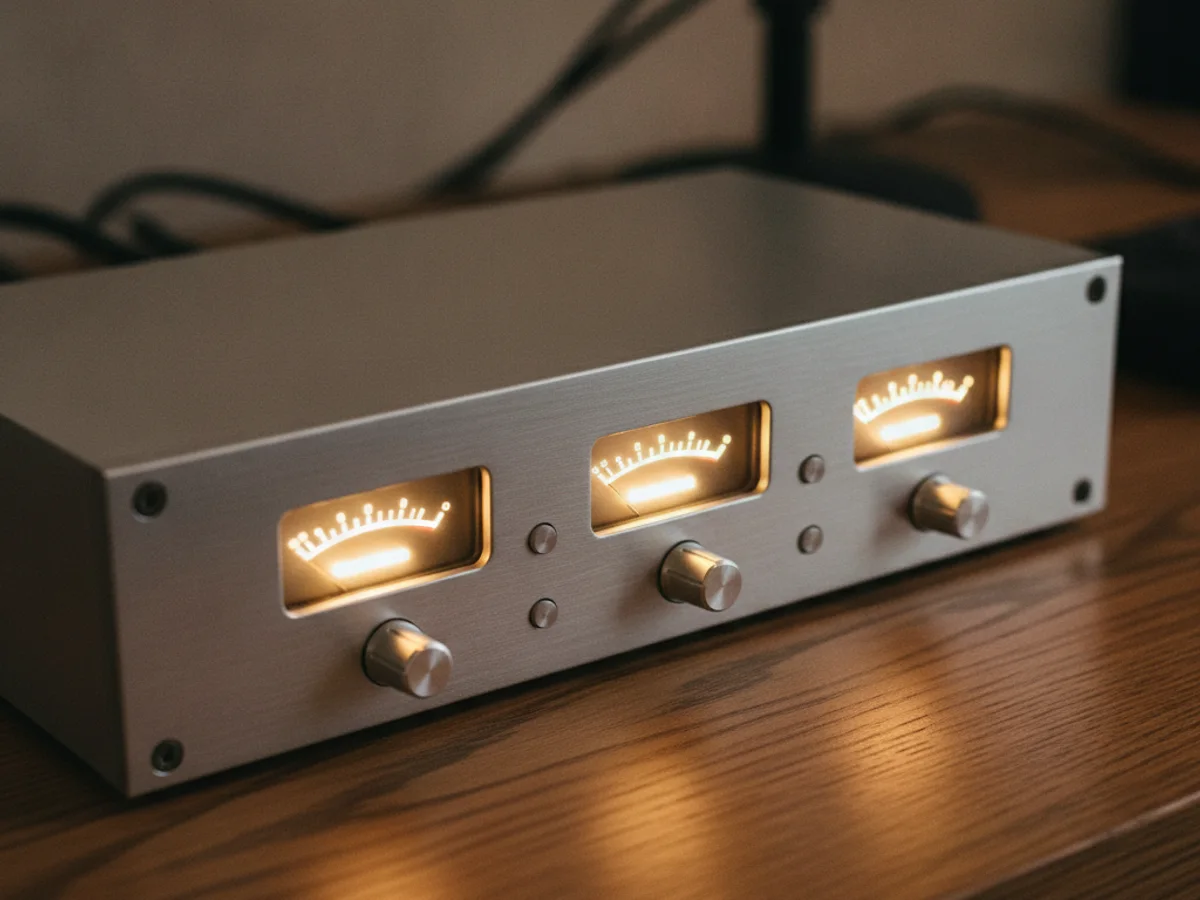
PRO AI · DEEP VIDEO AUDIO REPAIR
Studio Speech Clarity Over Heavy Noise
Client courses, corporate town halls, and unreleased YouTube episodes transfer over encrypted HTTPS with Zero Upstream Storage and remain saved privately for 60 days with instant deletion.
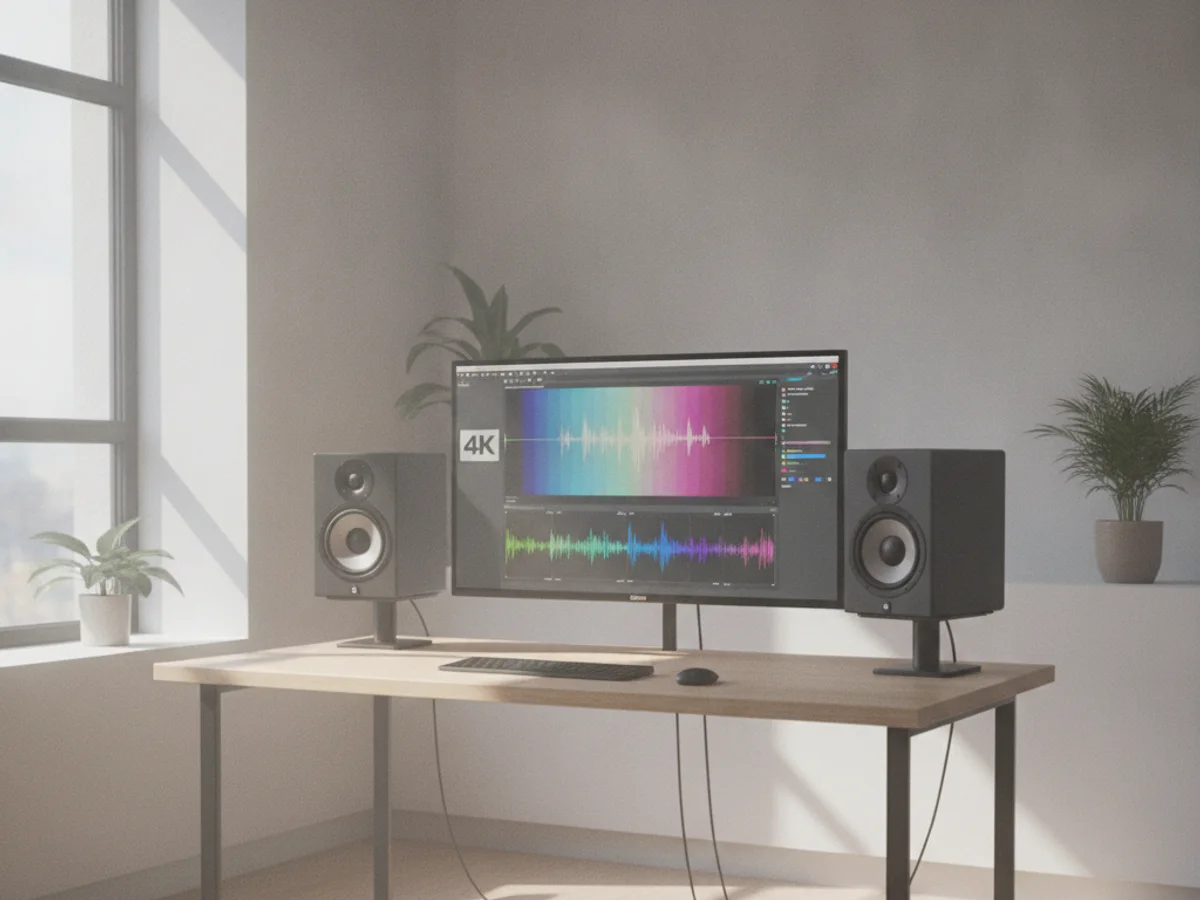
PRIVATE VIDEO ENHANCEMENT
Encrypted Transfer · Zero Upstream Storage · 60-Day Library
3-Step Enhancement
Use our free video audio enhancer in three quick steps — upload your clip, audition enhanced speech in sync, and download a broadcast-ready MP4.
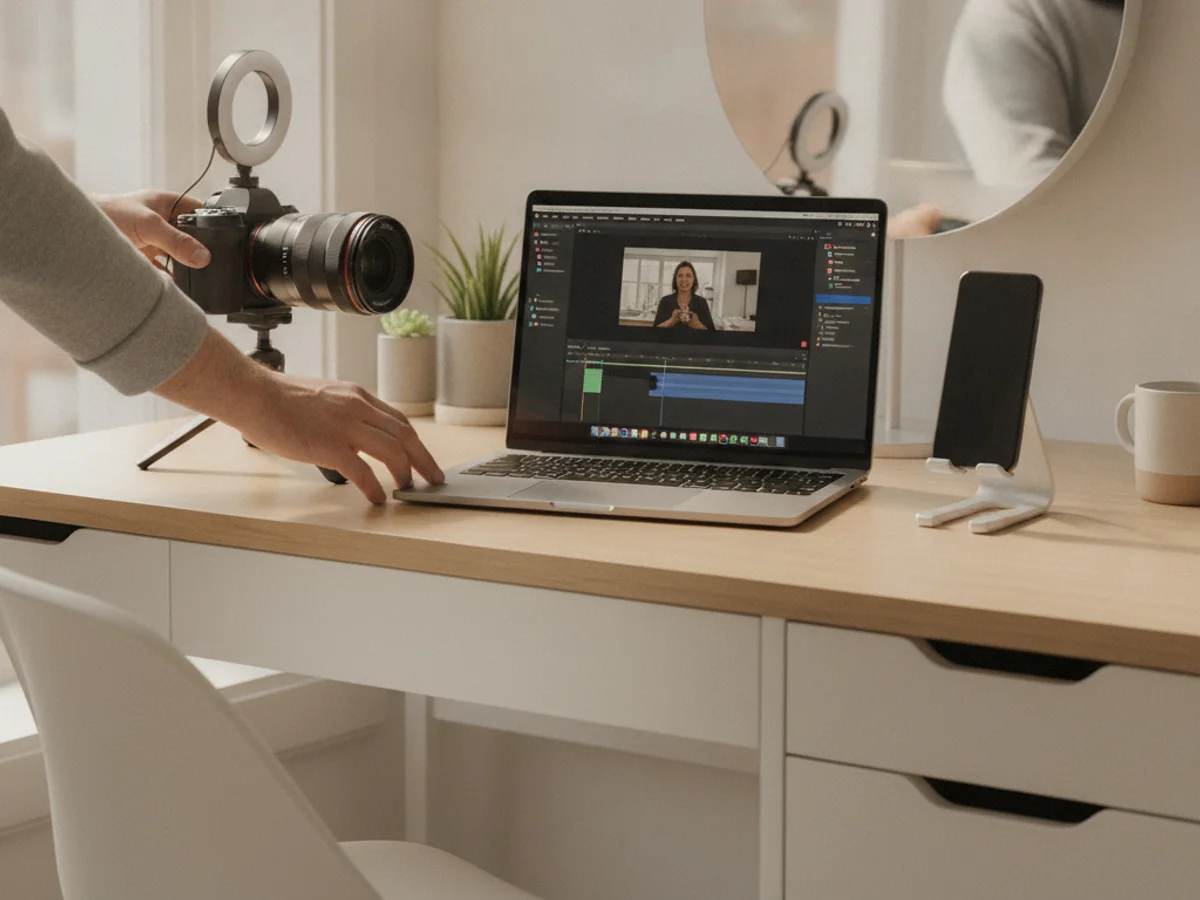
Drop an MP4, MOV, WebM, MKV, or M4V video from desktop or iPhone, then pick Standard Clean (10 cr/min) for speech polish or Pro Voice Isolation (45 cr/min) for heavy noise.
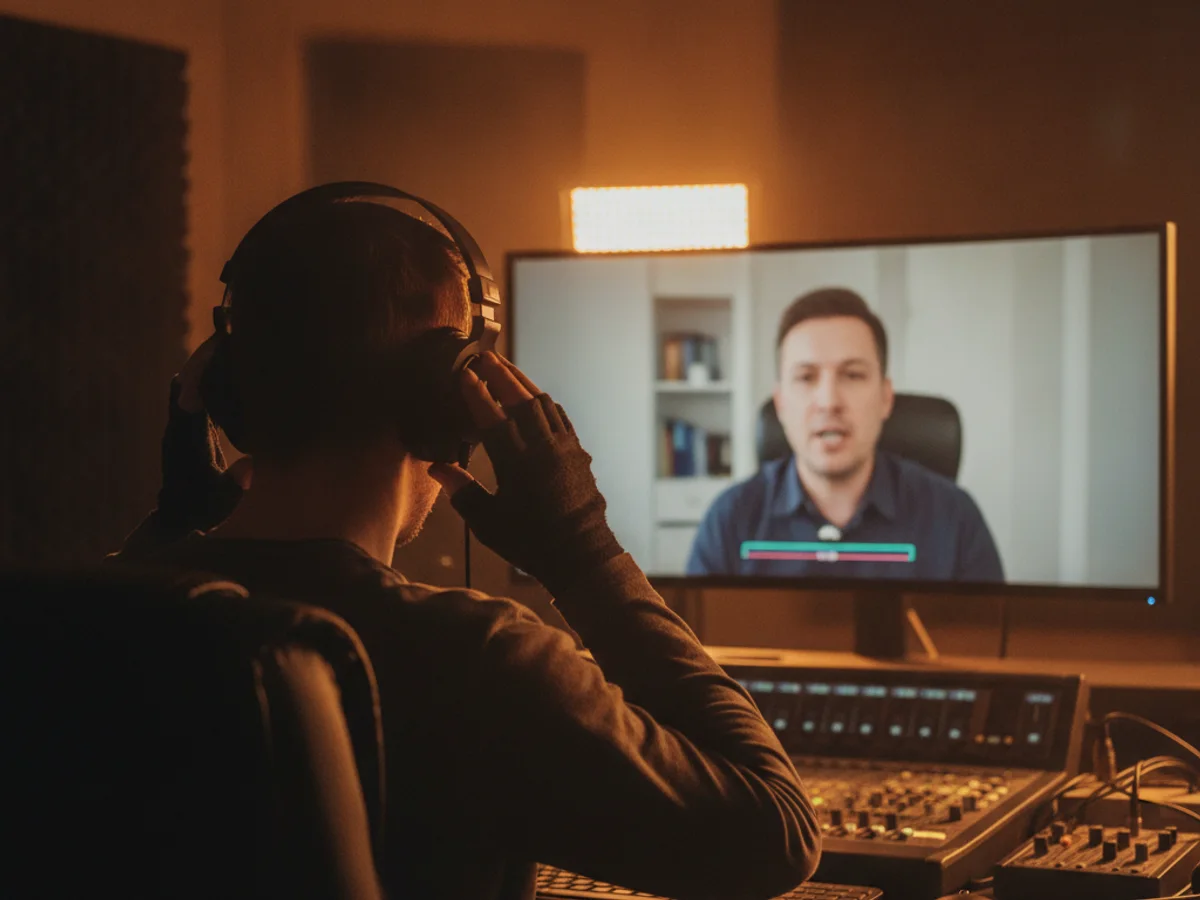
Click Remove Noise to run 48kHz AI speech enhancement and lossless video remuxing. Toggle Raw vs. AI Cleaned in sync to verify studio clarity.

Export your watermark-free MP4 with intact original picture quality and evenly leveled 48kHz voice. Finished clips stay saved privately for 60 days for re-download.
Creator Use Cases
From YouTube commentary and online courses to founder webinars and mobile Reels, see six ways teams enhance speech every day.
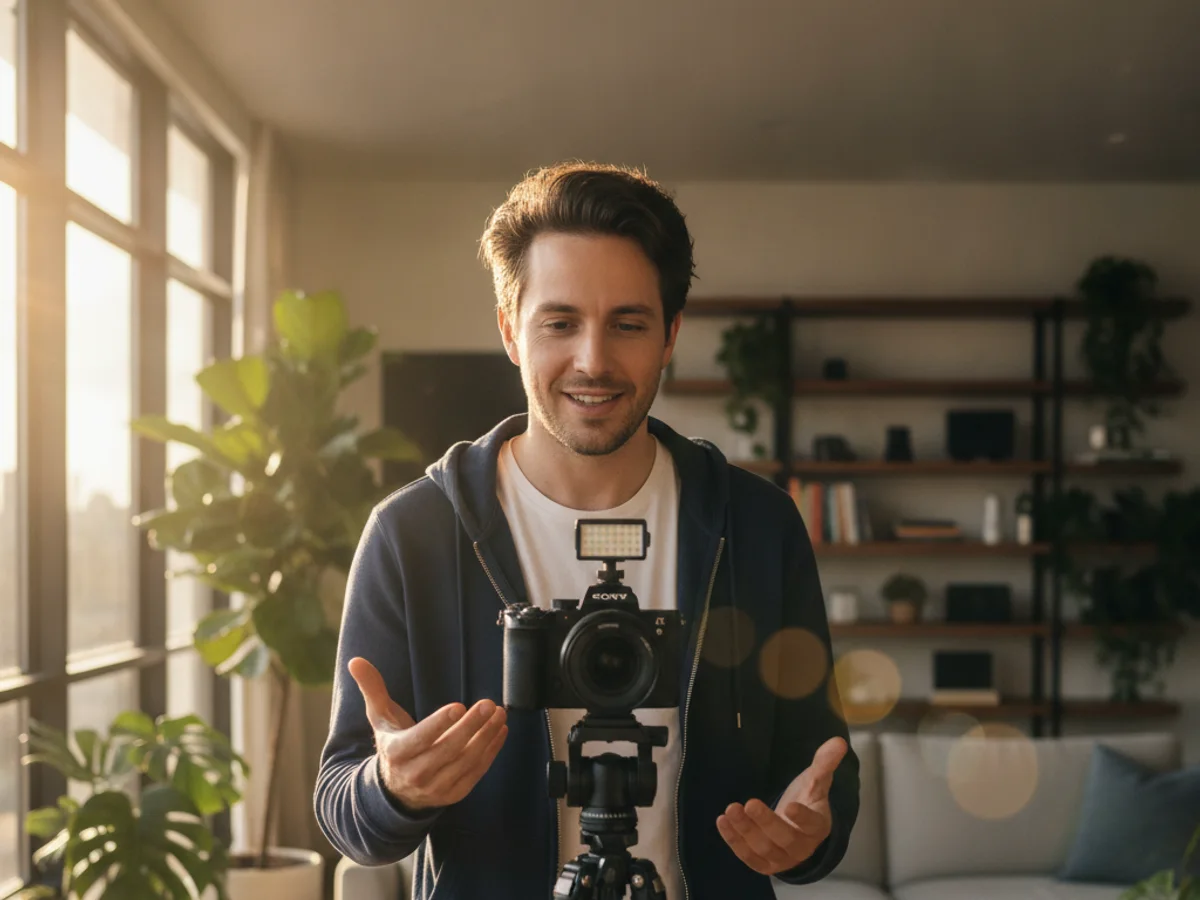
Give camera shotgun and USB mic commentary consistent studio warmth and clean silence before uploading.
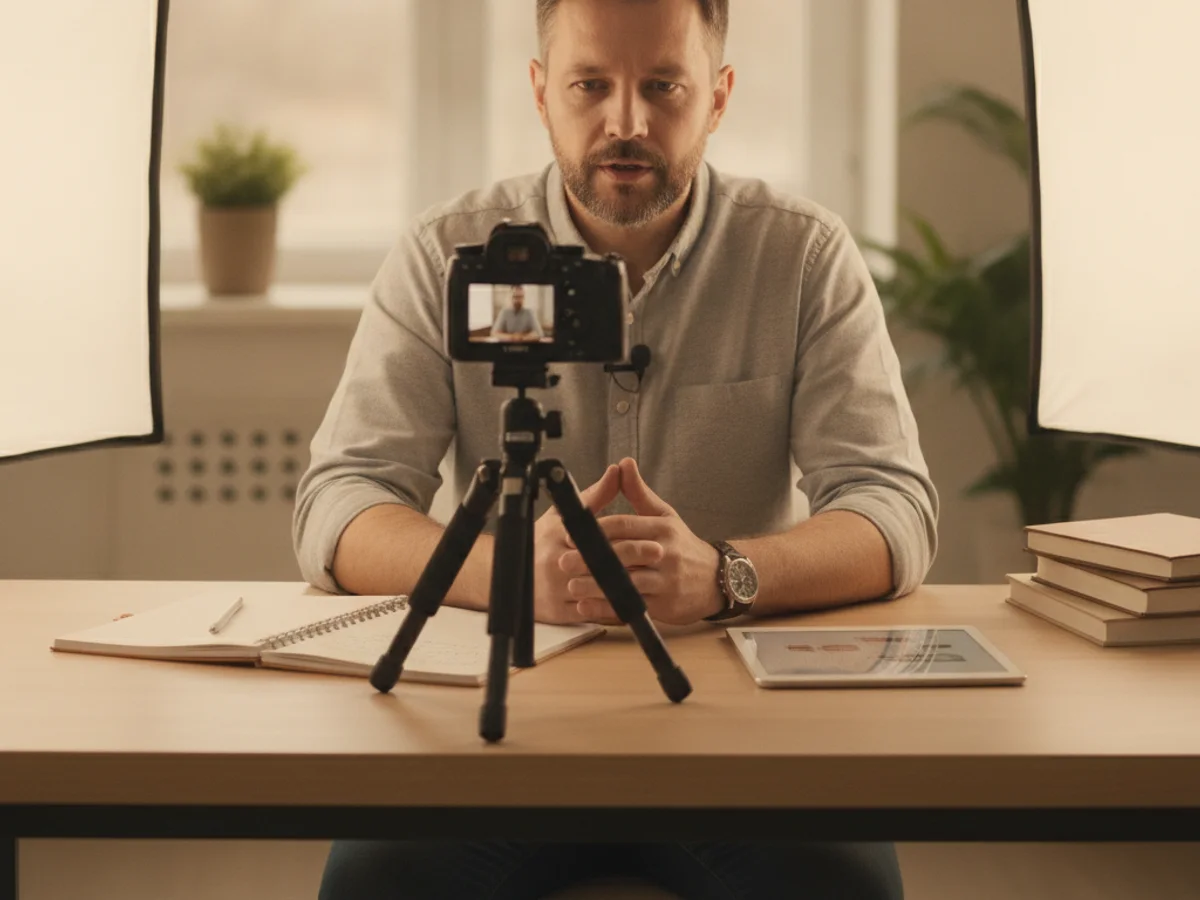
Match vocal clarity and loudness across dozens of course modules so students never ride the volume slider.
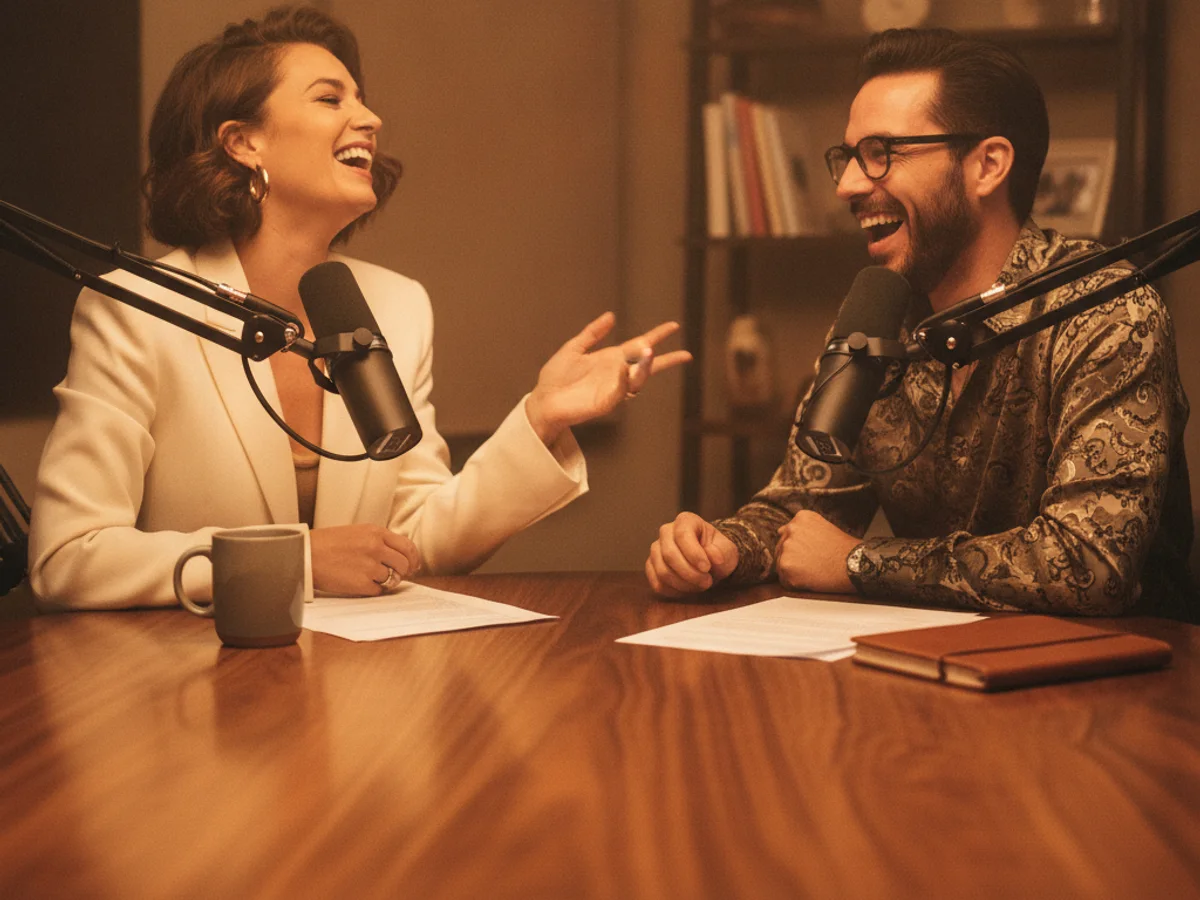
Upgrade distant laptop mics on remote guests so both hosts sound like they recorded in the same treated room.
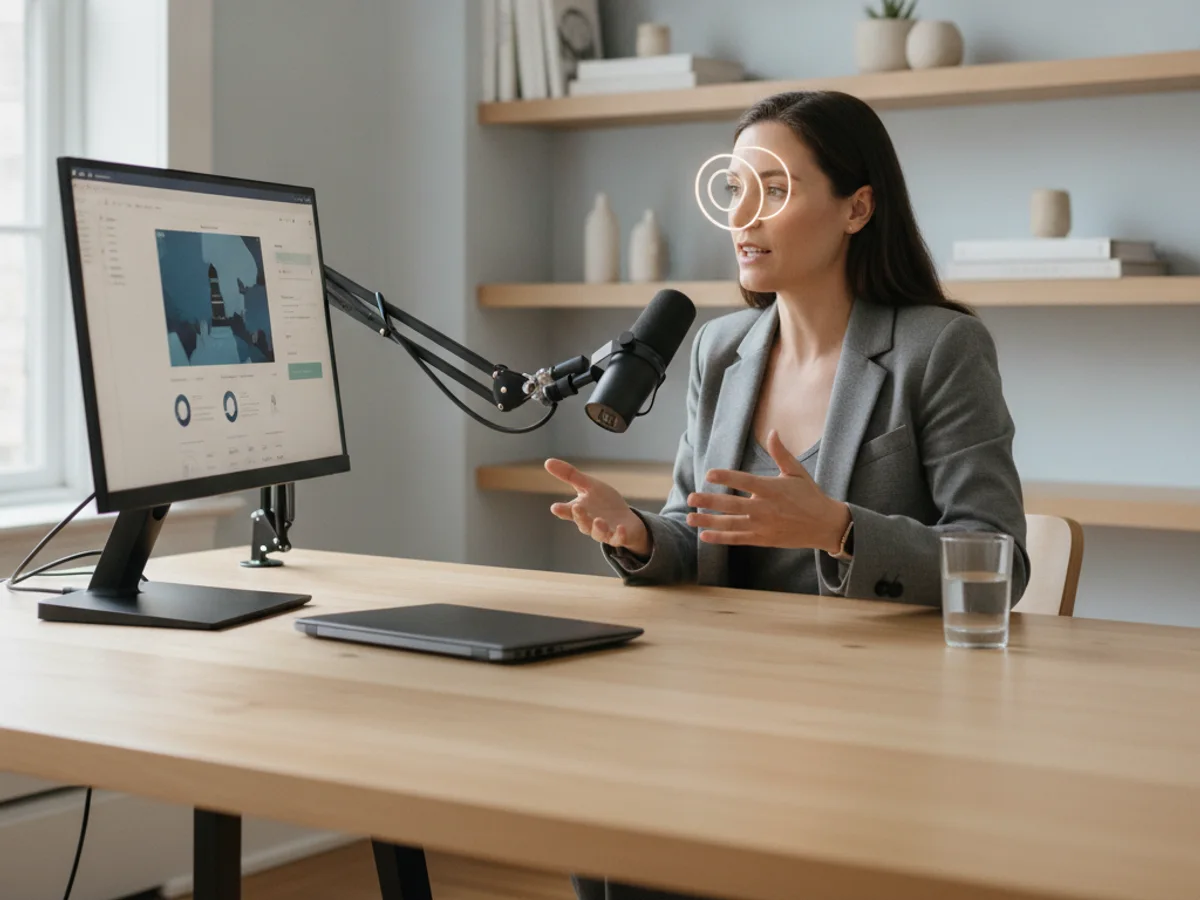
Perform fast video audio repair on flat webinar and Loom recordings before sharing with customers or prospects.

Enhance speech on quick smartphone videos right in Safari so spoken hooks cut cleanly through mobile feeds.
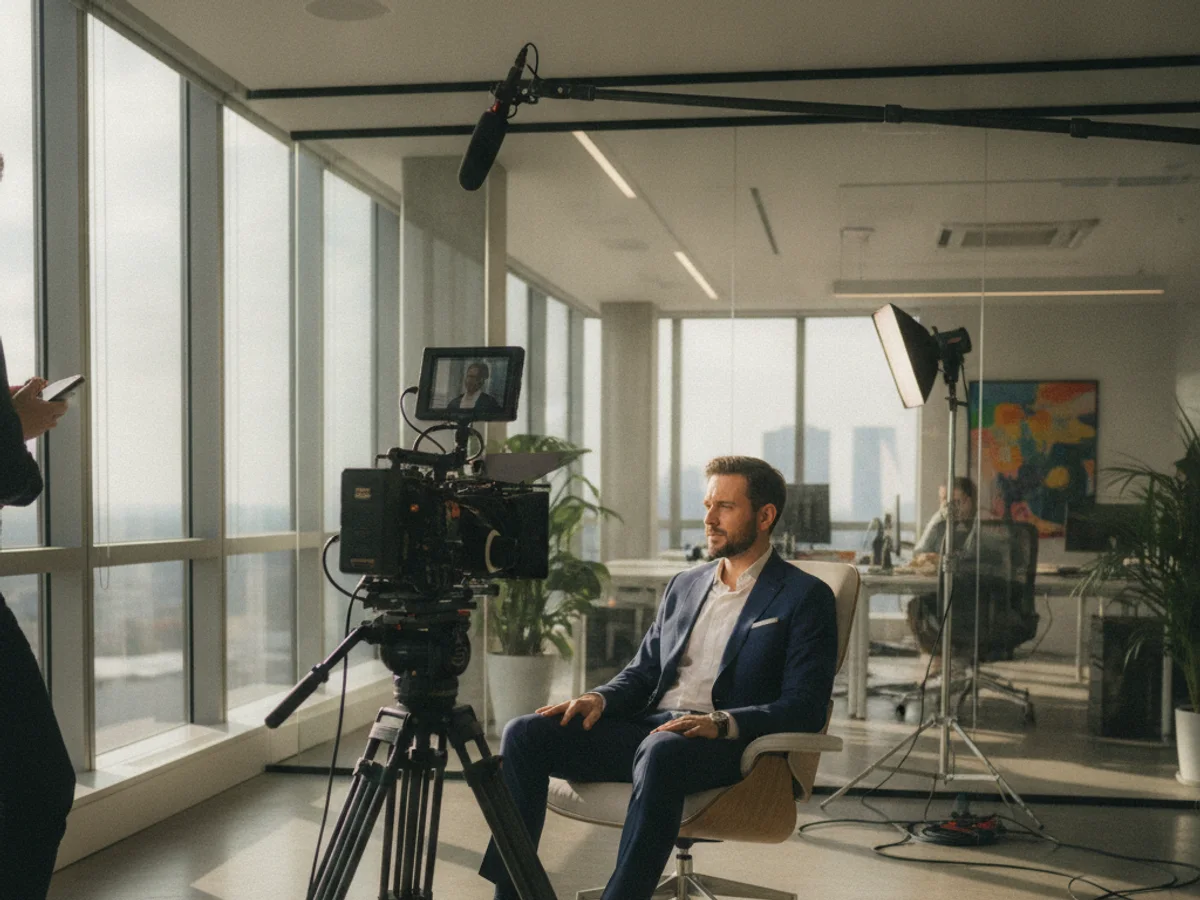
Lift quiet field interviews to clear, balanced broadcast dialogue without touching your 4K picture grade.
Creator Reviews
Hear from YouTubers, educators, podcast producers, and agency editors who rely on our video audio enhancer for consistent broadcast sound.
“Our studio camera mic always sounded thin and slightly distant whenever guests leaned back during long video podcast episodes. Running clips through this video audio enhancer to enhance speech transformed our channel sound while leaving 4K footage untouched, saving thirty minutes of manual EQ tweaking on every weekly upload.”
Kenji Sato
Video Podcast Producer
“After filming an entire documentary interview inside a bare concrete loft, every clip sounded boxy and quiet on laptop speakers. This online video audio enhancer handled full video audio repair without re-recording and leveled spoken loudness cleanly across every scene so viewers get crisp, consistent audio on any device.”
Lucas Weber
Documentary Editor
“Tech reviews mix desk voiceovers with hotel room hands-on clips, making audio transitions jarring between scenes. Using VidNoiseRemover to enhance audio in video keeps every clip balanced and clear at 48kHz broadcast loudness, and the same-timestamp A/B player makes checking voice warmth effortless.”

Ethan Brooks
Tech YouTuber
“Remote guest instructors rarely own studio microphones, leaving entire course modules muffled and tiring to follow. This video audio enhancer lets us enhance speech on guest tracks in minutes with zero lip-sync drift in DaVinci Resolve, making remote lectures sound like in-studio recordings.”

Sophia Morales
Course Director
“Our founders record quick LinkedIn updates on iPhone in glass-walled conference rooms with noticeable echo and low volume. Uploading MOV clips directly in Safari for instant video audio repair delivers warm, confident executive audio fast, and the 60-Day Private Library with one-click delete fits our compliance policy.”

Amara Osei
Brand Strategist
“Many automated speech enhancers over-process voices into uncanny, synthetic artifacts that audiences notice immediately on short-form reels. VidNoiseRemover helps me enhance audio in video while preserving natural human breath and tone and copies the original video stream losslessly, making it my daily shortcut before publishing.”
Grace Park
Social Media Educator
Enhancer FAQ
Direct answers on how to enhance speech in video online free without signing up, perform video audio repair, and export lossless 48kHz MP4 files.
Video audio enhancer is a 48kHz AI processing workflow that cleans background noise, tames boxy room echo, restores warm vocal EQ, and balances loudness to BS.1770 broadcast standards while keeping original 4K video intact.
Upload an MP4, MOV, WebM, or iPhone clip to our video audio enhancer — verify studio speech clarity in sync and download your lossless 48kHz MP4.