Neural Voice Split
Remove Music from Video Without Robotic Warbling
Deep neural voice extraction isolates spoken cadence and breath from drums, guitars, synths, and singing background tracks so dialogue stays crisp and natural.



Remove music from video with neural voice separation — strip copyrighted venue songs, store playlists, and loud background music while keeping human speech warm and your original video sharp.
Free tier: up to 3 min/file · Paid up to 30 min / 500 MB · Zero Upstream Storage · 60-Day Library
Drop a video file to clean, or audition a sample
MP4, MOV, WebM, MKV, M4V · up to 500 MB (30 min) · free 1-min trial
Remove Background Music from Ramen Vlog
Tokyo Ramen Bar · Loud Venue Music Stripped
Don't have a noisy clip handy? Click any real video scenario below to audition instant cleanup:
48kHz Video A/B PreviewInteractive Music Removal Lab
Test how our neural separator lets you remove music from video and remove music and keep voice intelligible across eight real commercial, event, and creator scenarios.
48kHz Video Audio A/B
Click either Before or After card on the right to hear how our video audio cleaner drops the noise floor while keeping speech natural.

Strip loud overhead venue speakers and copyrighted background songs from dining reviews, food vlogs, and hospitality promos while keeping spoken commentary crystal clear.
Remove commercial radio and store playlists captured behind your subject so your YouTube vlog or documentary avoids Content ID demonetization.
Pull clean foreground interviews away from booming PA speakers, DJ booths, and street performers without losing natural vocal energy.
Remove outdated royalty-free music baked into finished client MP4 exports so you can lay down a fresh soundtrack or translate voiceovers cleanly.
Isolate clear trainer cues from pounding gym soundtracks so fitness creators can publish copyright-safe coaching reels and full workout videos.
Separate heartfelt speeches and interviews from nearby reception speakers so wedding editors can score the film with licensed music.
Clean dashboard radio songs playing behind car interviews and road-trip commentary without re-recording or losing lip sync.
Clean copyrighted background tracks from archived livestream clips so you can repurpose commentary highlights safely across Shorts and TikTok.
Pro Neural Voice Separation
Basic denoisers cannot remove background music from video because melodies overlap vocal frequencies. This page runs deep neural Pro Voice Isolation exclusively to separate speech from instruments and vocals while keeping original video quality lossless.
Deep neural voice extraction isolates spoken cadence and breath from drums, guitars, synths, and singing background tracks so dialogue stays crisp and natural.
Strip unlicensed venue songs, store playlists, and old edit soundtracks so your YouTube videos, client reels, and brand recaps publish cleanly.
Only the 48kHz audio track is isolated and remuxed back into your original MP4 stream, preserving full 1080p and 4K visual quality.
Real Music-Heavy Environments
Expand any scene below to hear how neural voice extraction strips competing background sound while keeping on-camera speech natural.

Remove background music from video filmed beneath loud commercial speakers and espresso bars.

Remove music and keep voice intelligible over outdoor DJs, parades, and live venues.

Strip old background music from archived promos to add fresh licensed tracks or dubs.
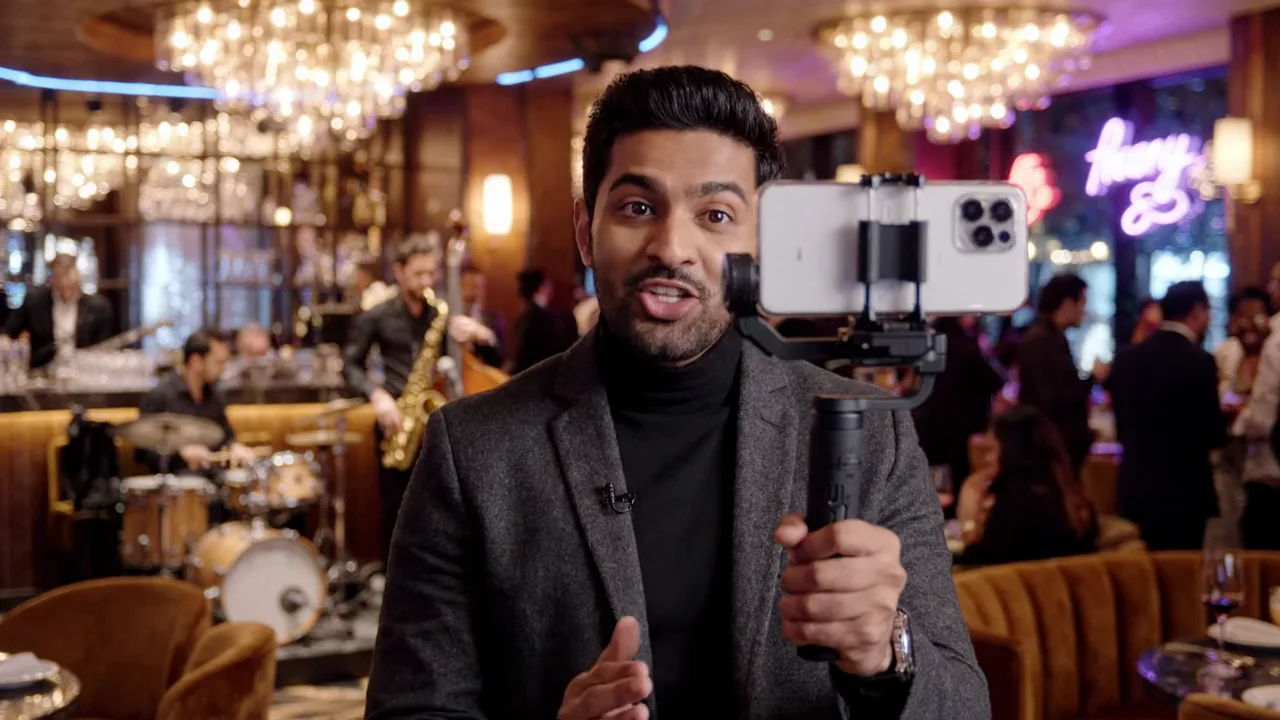
Clean copyrighted background tracks from VODs before exporting clean 48kHz MP4 clips.
Music Removal Features
Powered by neural voice separation (45 cr/min) so you always get genuine speech-vs-music separation, same-timestamp A/B preview, and lossless MP4 export.
Jump straight to the loudest chorus or bass drop and toggle Raw vs. AI Cleaned at the exact timestamp to verify clean dialogue before downloading.

Upload MP4, MOV, WebM, MKV, or M4V up to 500 MB (30 min) directly from desktop or iPhone Safari. Your clean dialogue MP4 drops straight into Premiere Pro, CapCut, and DaVinci Resolve.

Unlike simple noise gates that fail on rhythmic drums or singing tracks, neural voice separation locks onto spoken foreground dialogue across complex mixes.

PRO AI · VOICE & MUSIC SEPARATION
Background Music & Venue Speakers Stripped
Unreleased commercials, client events, and creator footage transfer over encrypted HTTPS with Zero Upstream Storage on AI models and remain saved privately for 60 days with instant removal.
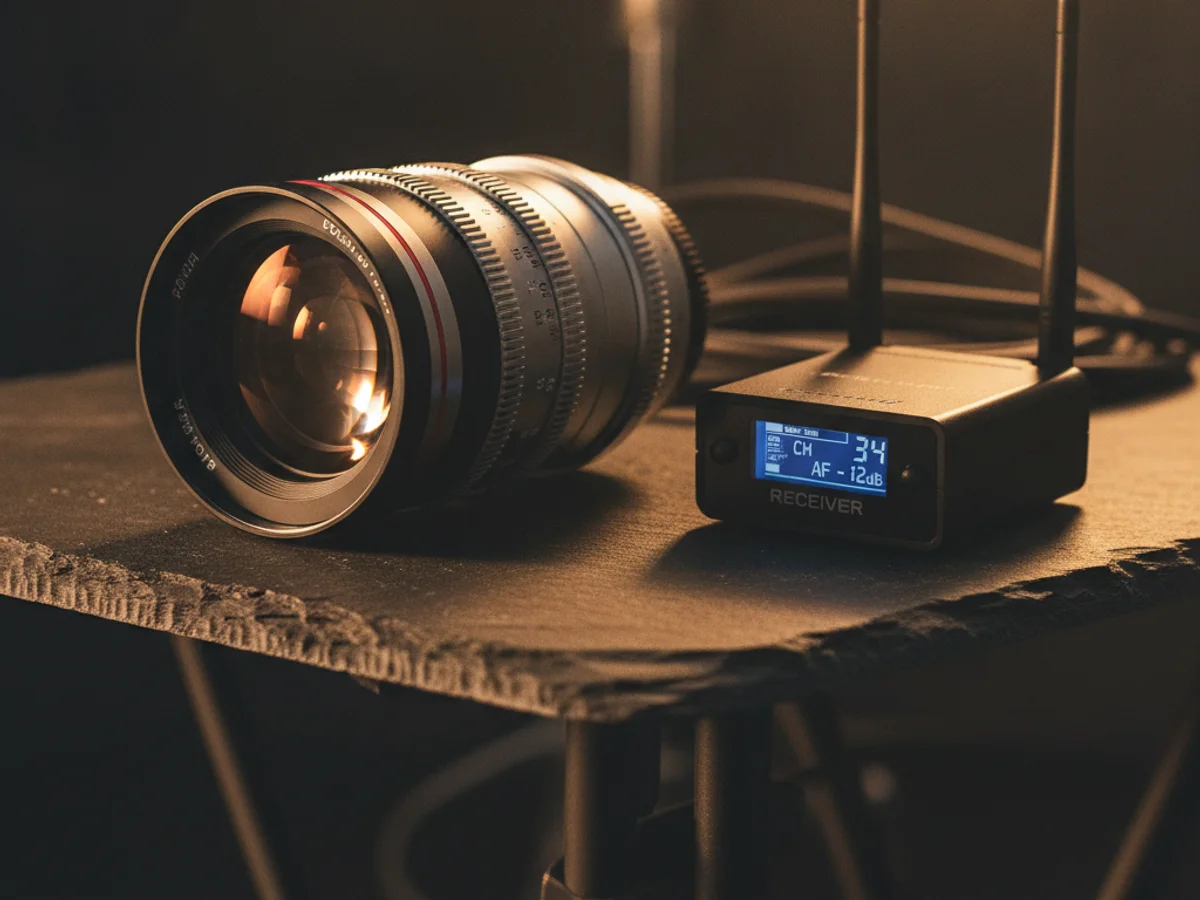
PRIVATE VIDEO PROCESSING
Encrypted Transfer · Zero Upstream Storage · 60-Day Library
3-Step Music Removal
Remove background music from video and keep voice natural in three quick steps — upload your clip, verify voice-only A/B in sync, and download your lossless MP4.

Drop an MP4, MOV, WebM, MKV, or M4V video up to 500 MB (30 min). Pro separation mode (45 cr/min) is pre-selected for clean music-vs-speech separation.
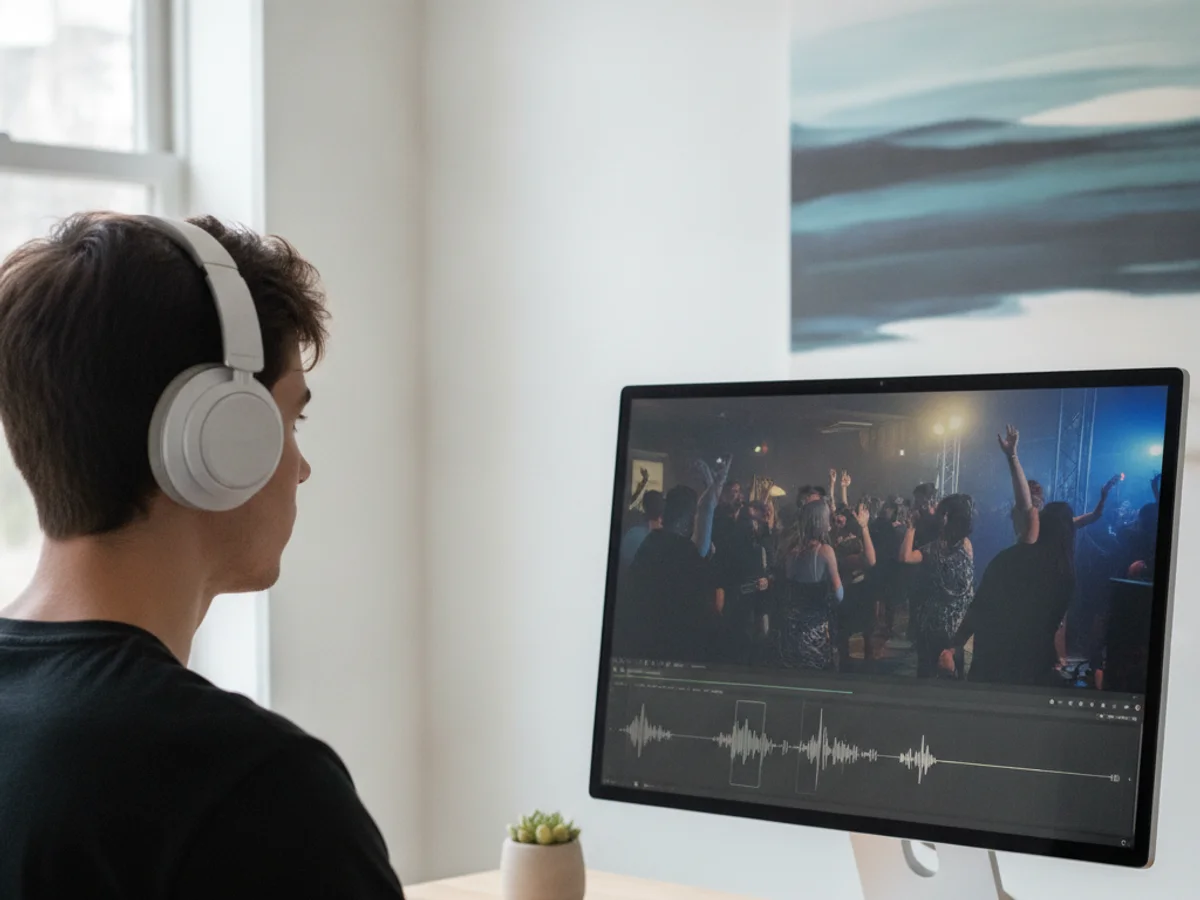
Click Remove Noise to run deep neural voice isolation and lossless video remuxing. Toggle Raw vs. AI Cleaned in sync to verify music is stripped.

Download a watermark-free MP4 with intact original picture quality and clean 48kHz dialogue ready for new music or direct publishing.
Music Removal Use Cases
From food vlogs and gym coaching to wedding receptions and brand re-edits, see six ways creators strip background music cleanly.

Remove copyrighted restaurant and cafe music before publishing to YouTube so your channel stays fully monetized.

Isolate founder and attendee interviews shot beside loud booth music without booking a quiet back room.

Remove old music beds from finished client videos when original project stems are missing so you can swap soundtracks cleanly.

Strip loud gym stereo songs from workout videos while keeping clear coaching instructions ready for licensed music.

Remove background music from video highlights before clipping Twitch or YouTube streams for Shorts and TikTok.

Upload noisy MOV clips from cafes, gyms, or bars in Safari to remove music and keep voice clear for social feeds.
Editor Reviews
See how YouTubers, agencies, event filmmakers, and social editors strip copyrighted background music without losing 4K quality.
“A brand sent us an archive social vlog with an expired music license and no raw Premiere project files to separate the tracks. Using VidNoiseRemover to remove music from video let us keep voice completely clean while preserving 4K sharpness so we dropped in a new licensed soundtrack and delivered the campaign the same afternoon.”
Zoe Laurent
Lifestyle Vlogger
“Filming midnight ramen reviews always triggered YouTube copyright claims from loud overhead restaurant playlists playing behind my commentary. Now I remove background music from video in minutes before editing and my spoken food reviews stay warm and clear with zero Content ID blocks on every travel episode.”
Owen Carter
Food & Travel YouTuber
“At a lively wedding reception, booming DJ speakers bled straight into the best man’s heartfelt toast with zero chance to re-record. Pro Voice Isolation showed how cleanly it can remove music and keep voice natural without compressing a single 4K frame, saving our highlight film in DaVinci Resolve without awkward muting.”
Isabella Cruz
Wedding Filmmaker
“My gym plays loud rhythmic workout tracks during training sessions, which previously forced me to mute clips and record voiceovers later. Running the MP4 here to remove music from video and verify A/B in sync gives me a spotless 48kHz coaching track that cuts cleanly in CapCut with zero lip-sync drift.”

Devon Brooks
Fitness Creator
“We shot founder testimonials at a busy gallery launch where lounge tracks sat right under every speaker’s microphone. Uploading the clips to remove background music from video rescued every interview and the 60-Day Private Library with one-click delete matched our client NDA requirements cleanly.”

Hana Takahashi
Event Producer
“When localizing international product videos that have baked-in background music, dubbing engineers normally struggle to separate dialogue cleanly. This tool lets us remove music and keep voice directly from client MP4 files so our multilingual voice tracks stay energetic and synced with every frame without extra studio sessions.”

Sebastian Vogel
Localization Director
Music Removal FAQ
Direct answers on how to remove background music from video and keep voice clear, why Pro Voice Isolation is used, and how lossless MP4 export works.
Remove music from video is a 48kHz neural separation workflow that strips instruments, venue speakers, and singing tracks from MP4, MOV, WebM, MKV, or M4V clips while remuxing clean speech into your original video.

Upload your MP4, MOV, or WebM clip — strip background music with neural voice separation, verify in sync, and download your lossless 48kHz MP4.