100% Local Privacy
Your Video Never Leaves Your Device
All decoding and WAV encoding happen locally in browser memory via Web Audio API, making this video to audio tool safe for confidential meetings and unreleased footage.



Extract audio from video online free with zero sign-up and zero server upload — turn MP4, MOV, WebM, or iPhone clips into clean audio tracks locally on your device at zero cost.
100% browser-local extraction · Zero server upload · Works offline in Chrome, Safari, Edge & Firefox · Need AI Noise Removal?
Drop a video to extract audio, , or audition a sample
MP4, MOV, WebM, MKV, M4V · 100% free local extraction · no sign-up or upload
Extract Podcast Audio from MP4
Video Podcast · Clean Audio Track Ready Locally
Audition real video-to-audio sample clips right in your browser:
Zero Upload · Instant Local ExtractionVideo to Audio Workflows
Turn MP4 clips into clean audio tracks locally whenever you need a standalone stem, or audition how our AI denoiser cleans noisy video tracks before you publish.
48kHz Video Audio A/B
Click either Before or After card on the right to hear how our video audio cleaner drops the noise floor while keeping speech natural.
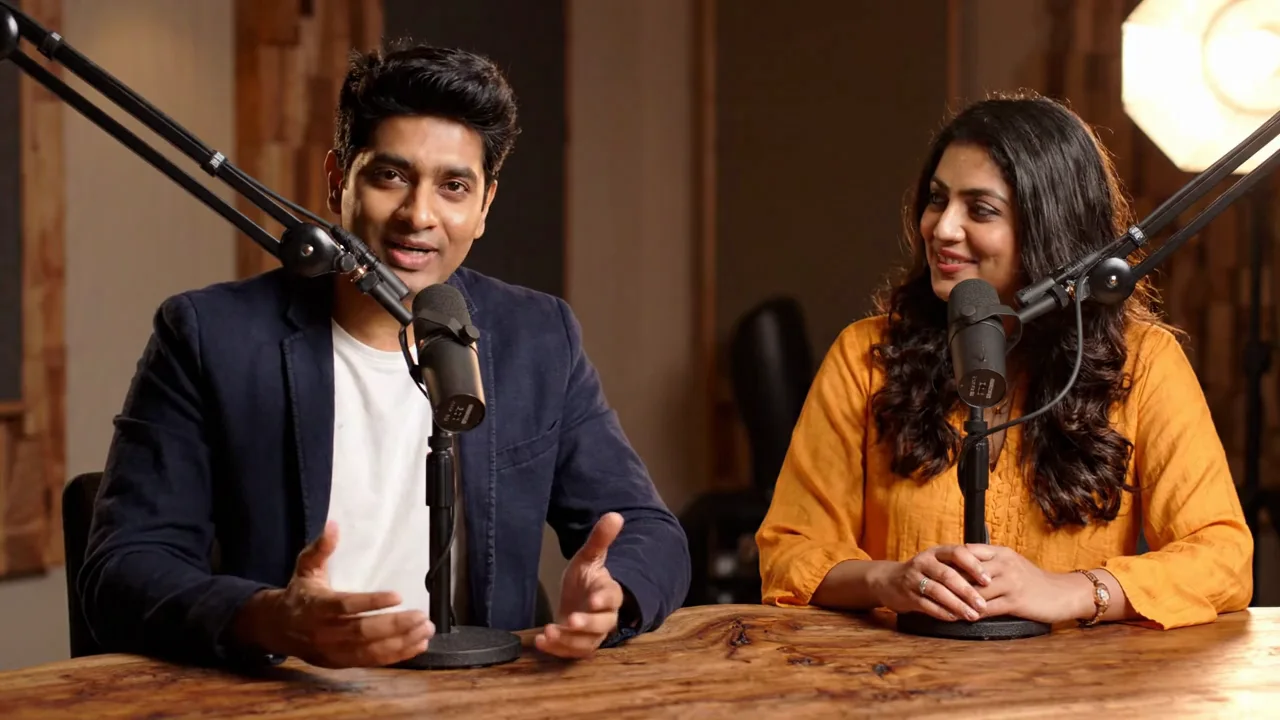
Extract audio from video recordings locally in your browser so you can publish audio-only podcast feeds to Spotify and Apple Podcasts without re-uploading large files.
Pull clean spoken audio from long MP4 lectures, classes, and Zoom meetings for offline listening or fast AI transcription.
Convert MP4 to MP3 audio from field interviews locally so you only send lightweight audio files to transcription tools or editors.
Convert iPhone screen recordings and QuickTime MOV clips into clean WAV audio right inside Safari with zero server upload.
Offer students downloadable audio lessons extracted straight from your MP4 course modules so they can review while commuting.
Extract uncompressed 48kHz WAV room tone and field ambience from camera footage directly into your sound-design library.
Use fast MP4 to MP3 style conversion on live acoustic videos into clean standalone audio tracks right on your own device.
Extract narration tracks from product walkthroughs and Loom videos locally for editing in Audacity, Premiere Pro, or DaVinci Resolve.
Free Local Browser Extractor
Unlike server-side MP4 to MP3 converters that queue your files and throttle downloads, VidNoiseRemover decodes video to audio 100% locally inside your browser for free.
All decoding and WAV encoding happen locally in browser memory via Web Audio API, making this video to audio tool safe for confidential meetings and unreleased footage.
Use our local extractor as often as you need without creating an account, spending credits, or waiting in cloud conversion queues.
If your extracted audio still contains wind, fan hum, or cafe chatter, open our main noise-cleaning studio in one click.
Everyday Video to Audio Tasks
Audition how clean extracted tracks sound across podcasts, interviews, outdoor shoots, and studio voiceovers.
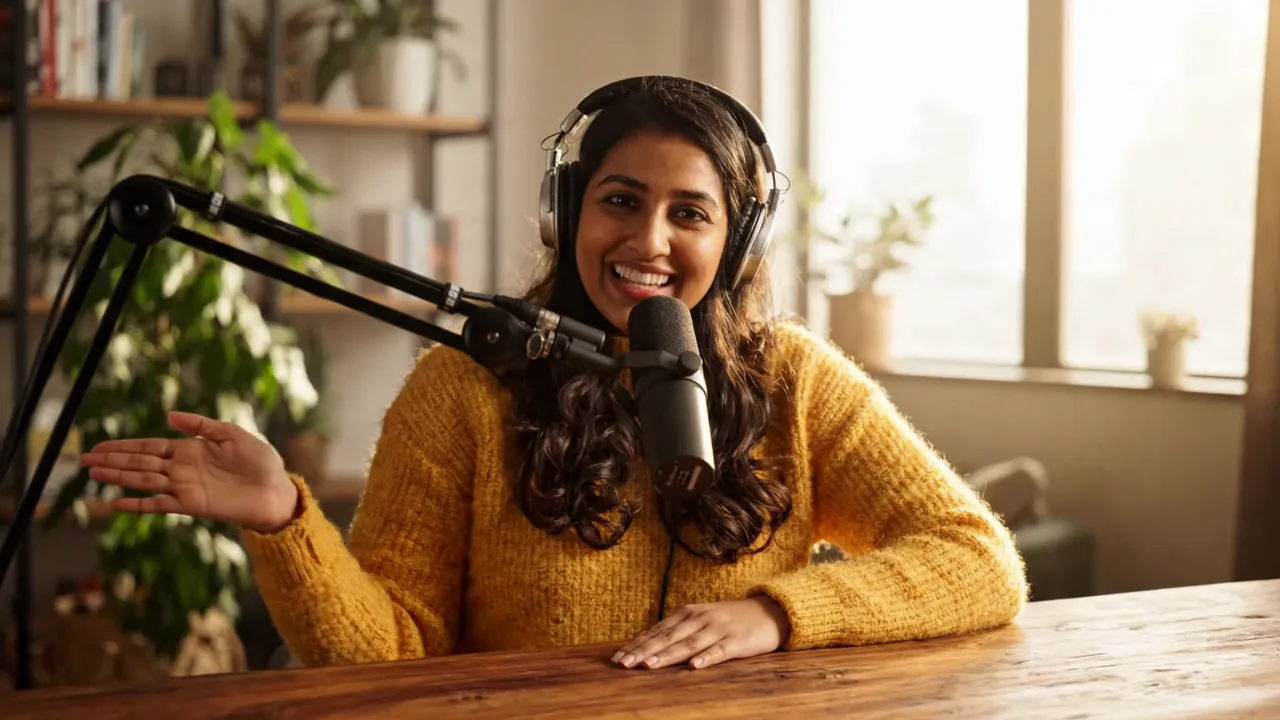
Convert MP4 to MP3 quality audio from video episodes locally to publish clean audio podcasts everywhere.

Convert heavy interview MP4 files into lightweight audio tracks ready for transcription.

Save clean PCM audio from outdoor video clips directly onto your computer.

Extract lossless WAV audio tracks ready for Audacity, Premiere Pro, or Logic.
Local Extractor Features
Skip slow uploads and sketchy MP4 to MP3 ad sites — extract audio from video cleanly in your own browser with zero sign-up.
Play back your extracted audio track right inside the browser to confirm levels, clarity, and start/end timing before clicking Download.

Works directly in Chrome, Safari, Edge, and Firefox across Mac, Windows, iPhone, and Android with zero desktop software or plugins.
When your extracted track reveals wind gusts, room hum, or cafe chatter, jump directly to our 48kHz AI cleaner.
OPTIONAL AI DENOISE UPGRADE
Clean Wind, Hum & Chatter at 48kHz
Every file stays strictly inside your own browser memory during local video to audio extraction — nothing is uploaded, logged, or stored remotely.
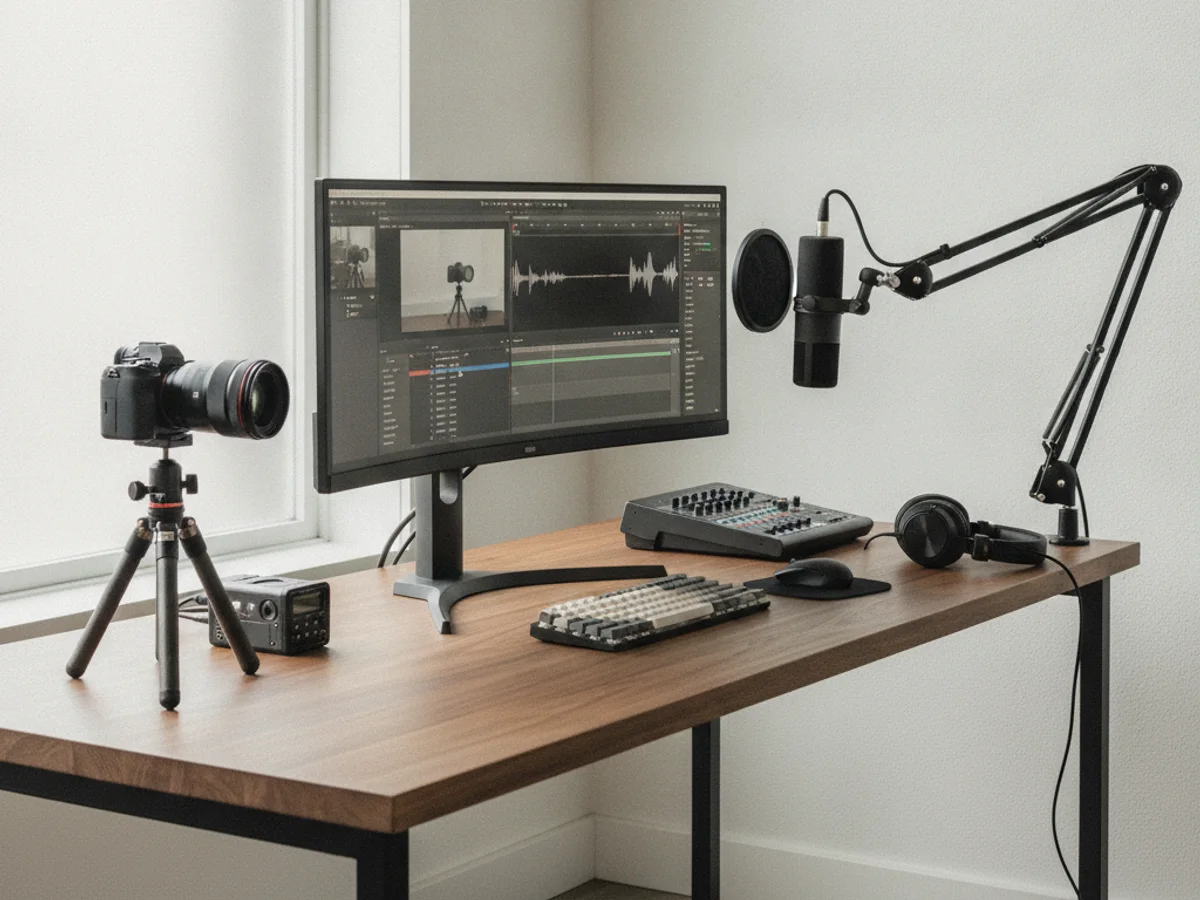
100% LOCAL BROWSER EXTRACTION
Zero Server Upload · 0 Credits · Instant Download
3-Step Local Extraction
Run MP4 to MP3 conversion free in three steps — select your MP4 or MOV, decode locally for 0 credits, and download your audio file.

Drop an MP4, MOV, WebM, MKV, or M4V video from your computer or phone. Your file stays inside your browser with zero server upload.
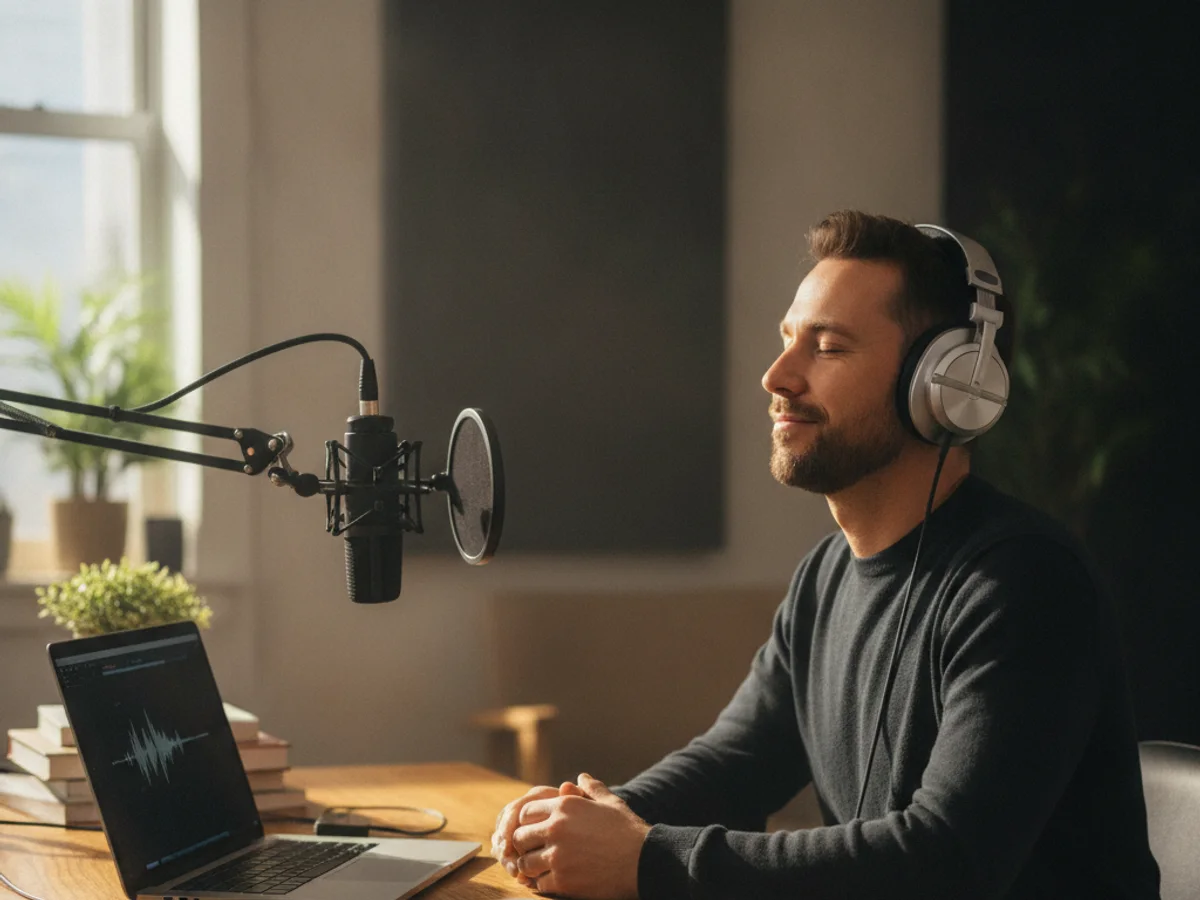
Click Extract Audio Free (0 Credits) to decode the video audio stream into a clean, full-fidelity PCM audio track right on your device.

Listen in the built-in player and save your extracted audio immediately — or clean noisy speech on our homepage denoiser.
Video to Audio Use Cases
From podcast RSS feeds and lecture notes to mobile screen recordings and DAW editing, see six everyday uses.
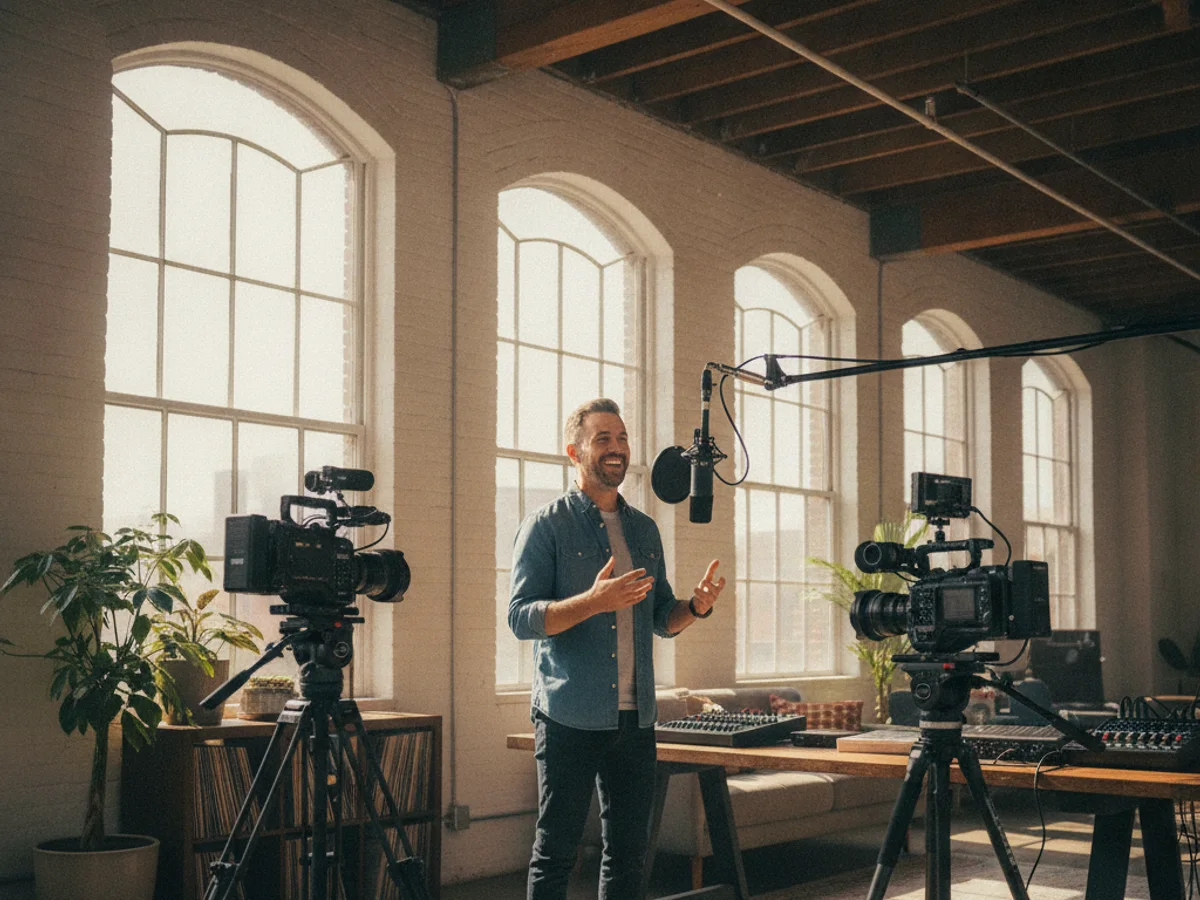
Turn finished YouTube video podcasts into standalone audio episodes without re-exporting from Premiere Pro.

Use quick MP4 to MP3 conversion on lectures and course modules to create lightweight study files for offline listening.

Strip heavy video streams from confidential Zoom replays locally before running speech-to-text transcripts.
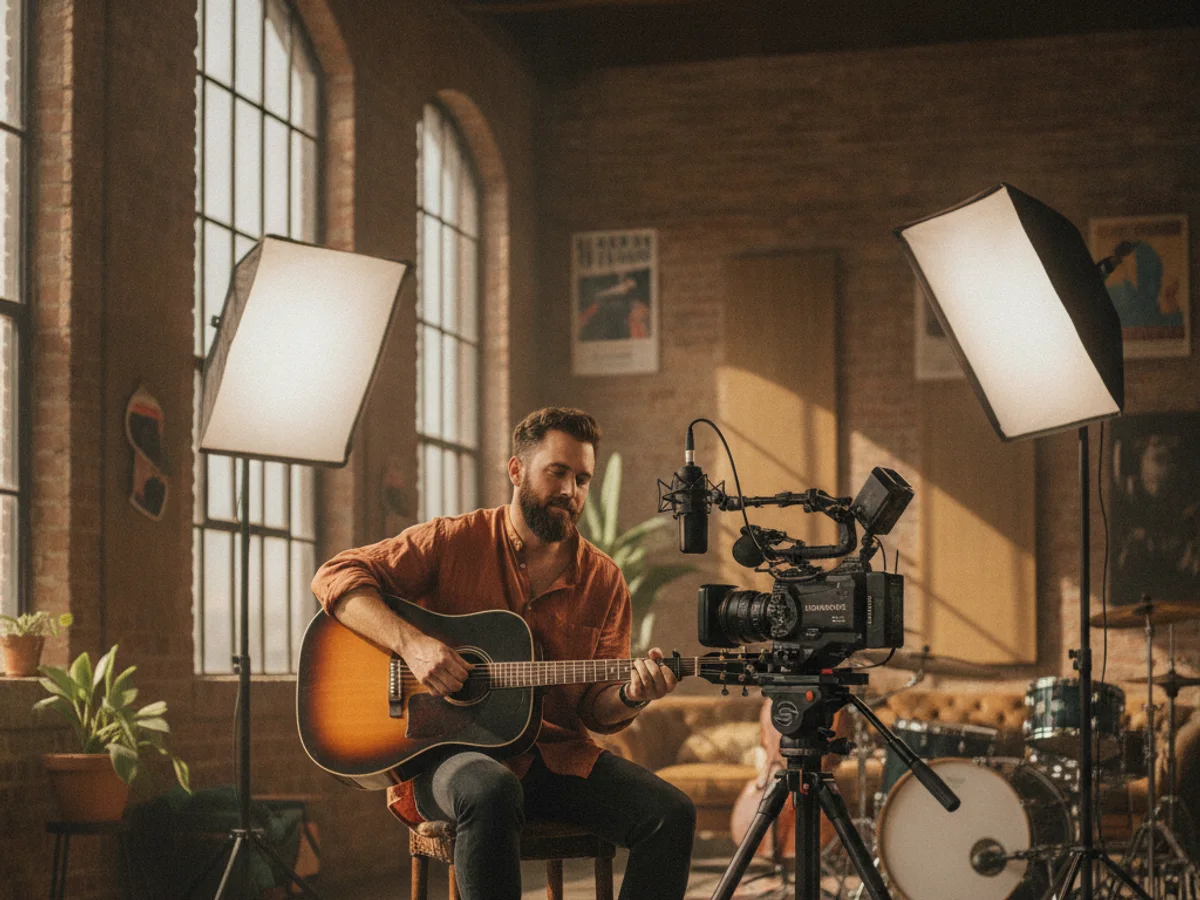
Pull MP4 to MP3 ready stems from camera clips directly into Audacity, Logic, or Audition.
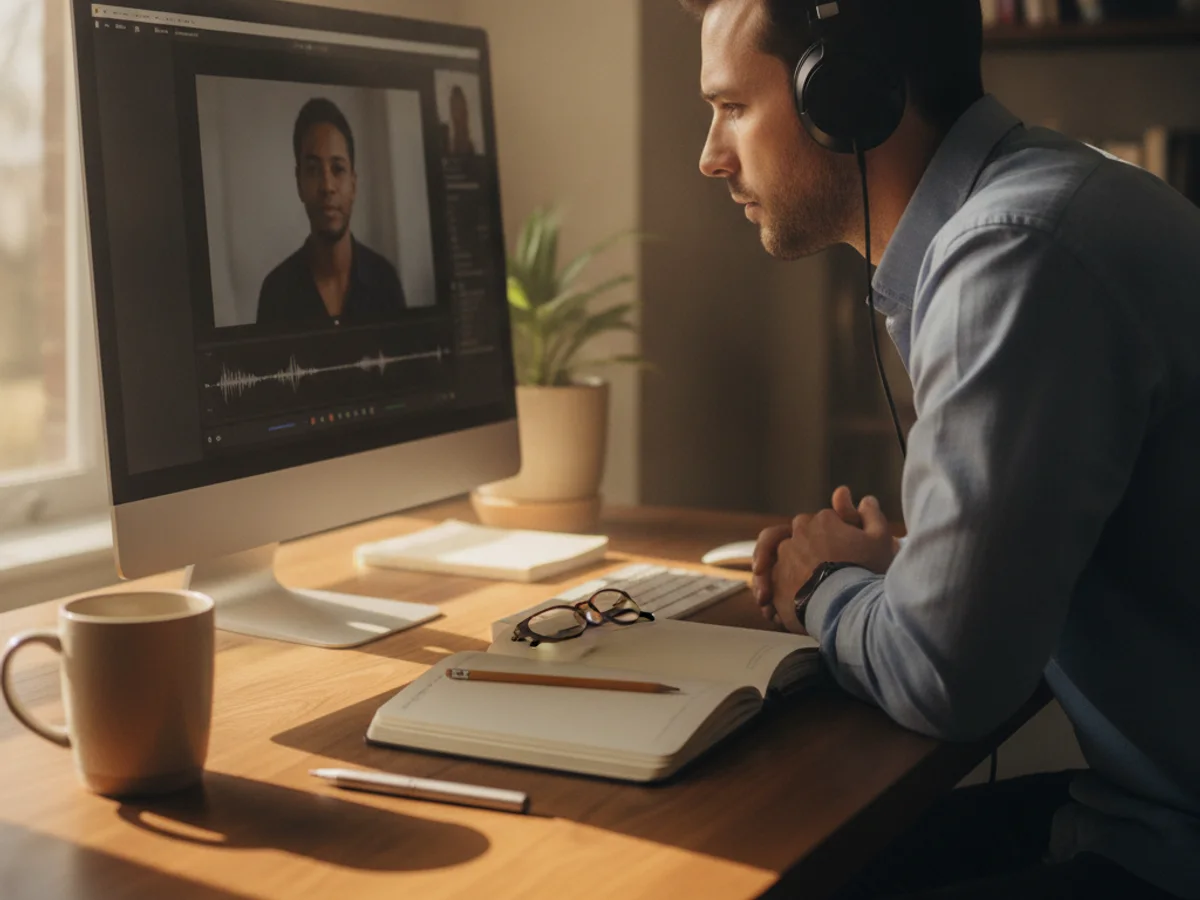
Run browser MP4 to MP3 audio conversion on field video interviews without uploading sensitive sources to third-party servers.
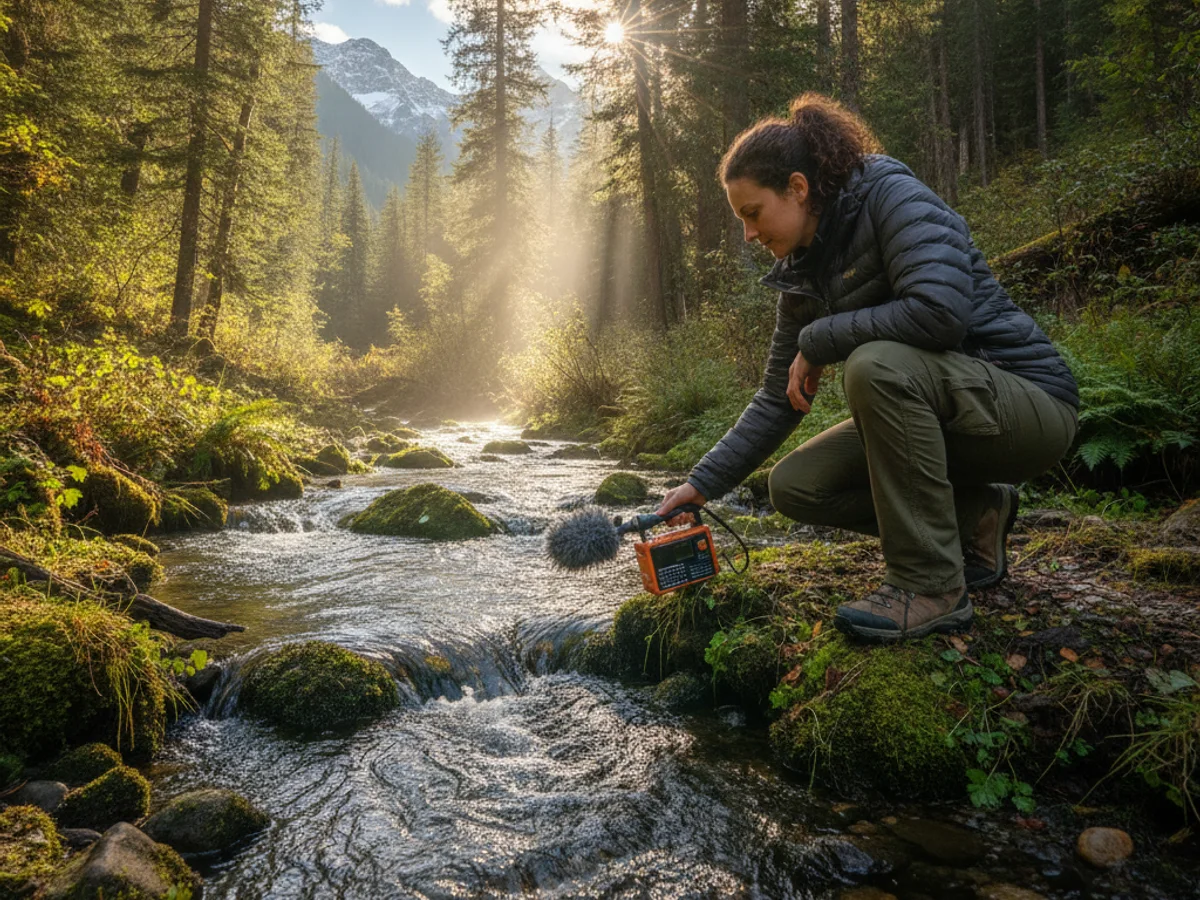
Use instant MP4 to MP3 conversion on iPhone MOV videos straight inside Safari with no app install.
Creator Reviews
See how podcasters, educators, editors, and researchers turn video to audio safely without ads, uploads, or wait queues.
“Every free MP4 to MP3 site I tried was packed with pop-up ads and forced slow server uploads for simple acoustic rehearsal clips. Being able to extract audio from video locally on my laptop for 0 credits saves ten minutes per session and gives me uncompressed WAV stems ready for Ableton Live.”
Mateo Silva
Indie Musician & Sound Designer
“Before sending long archival interviews to our transcription team, stripping out heavy 4K video cuts file sizes dramatically. This local video to audio extractor lets us convert every recording safely without uploading confidential research footage anywhere, and each track downloads cleanly with zero quality loss.”
Noah Lindberg
Documentary Researcher
“Faculty lecture recordings cannot be uploaded to random online converters due to strict university privacy agreements. Using this tool to extract audio from video 100% locally in Chrome keeps every seminar recording on campus laptops while producing clean audio files for student study feeds.”
Priya Nair
University Media Coordinator
“Our network publishes both YouTube video podcasts and Spotify RSS feeds from the exact same weekly studio shoot. This free video to audio tool runs completely offline once loaded so I can grab lossless 48kHz WAV episodes immediately without waiting on slow cloud uploads.”

Caleb Dawson
Podcast Network Producer
“On breaking field assignments I often pull clean voice quotes out of iPhone MOV clips while working on spotty hotel Wi-Fi. Using VidNoiseRemover to extract audio from video locally is instant and clean and whenever a clip has heavy street noise I click straight over to the AI denoiser.”

Nina Petrov
Investigative Journalist
“When clients send quick video takes as MP4 or MOV and ask for a clean voiceover stem, opening a full DAW wastes time. Dropping the file here for instant MP4 to MP3 or WAV extraction gives me an uncompressed vocal track in two clicks with zero sign-up friction.”

Clara Moreau
Voiceover Artist
Extractor FAQ
Direct answers on how to extract audio from video online free for 0 credits, browser-local privacy, supported formats, and optional AI noise removal.
Extract audio from video is a 100% browser-local MP4 to MP3 and WAV converter that decodes audio tracks on your device for 0 credits with no sign-up and zero server upload.
Select an MP4, MOV, WebM, or iPhone clip now — extract clean audio in your browser for 0 credits with zero upload and zero sign-up.